Graphic design takes time. You need fresh ideas, good images, and the right tools. Meeting tight deadlines can make the work even harder.
That is where AI tools can help.
They can create images, remove backgrounds, design social media posts, and turn simple ideas into visuals. Some tools are best for beginners, while others offer more control for professional designers.
Finding the best AI tools for graphic designers can transform your daily workflow and help you work more efficiently.
In this guide, we will explore the 7 best AI tools for graphic designers in 2026. You will learn what each tool does, its main benefits, and who should use it.
Choosing the right AI design tool depends on your design goals, budget, and the features you need.
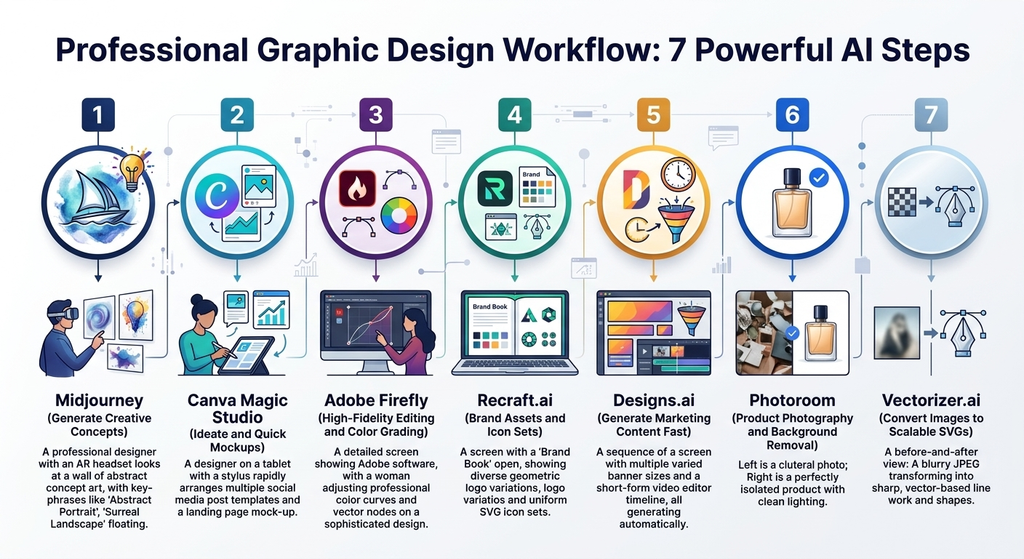
Quick Comparison of the Best AI Tools for Graphic Designers
| AI Tool | Best For | Main Feature |
|---|---|---|
| Midjourney | Creative images | AI image generation |
| Canva Magic Studio | Beginners and marketers | Quick design creation |
| Adobe Firefly | Professional designers | AI editing and image creation |
| Recraft.ai | Brand design | Icons and vector graphics |
| Designs.ai | Small businesses | Fast marketing content |
| Photoroom | Product sellers | Background removal |
| Vectorizer.ai | Logo designers | Image-to-vector conversion |
1. Midjourney — Best for Creative Images
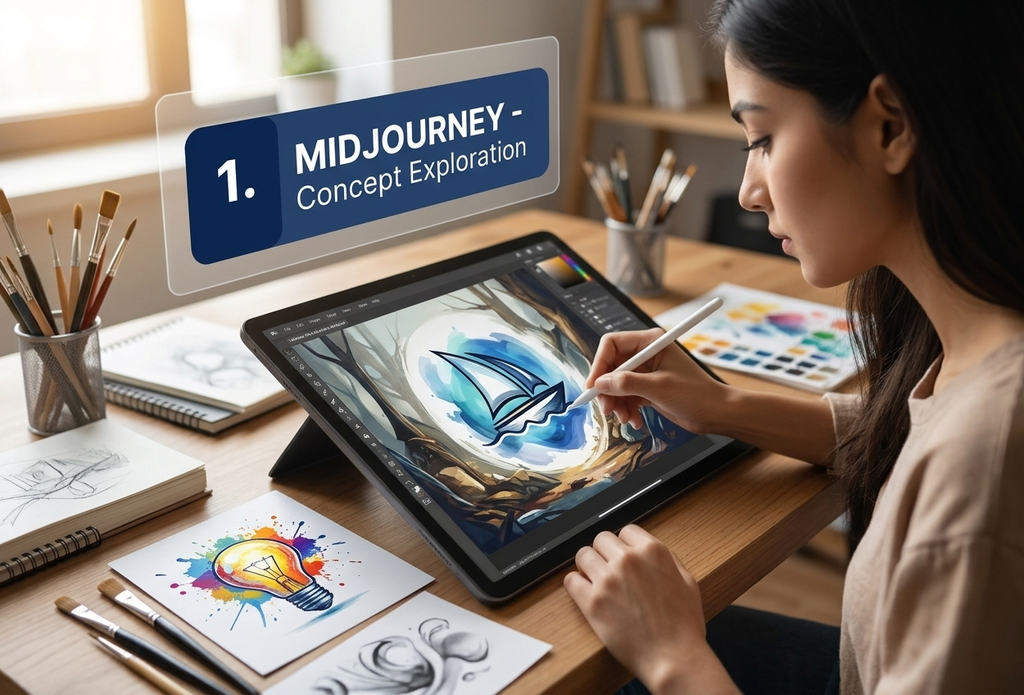
Midjourney helps you turn text prompts into detailed images. You describe what you want, and the tool creates visual options.
It works well for concept art, posters, mood boards, and creative campaigns. You can test different styles before choosing a final direction.
Key features:
- Creates images from text prompts.
- Offers a wide range of visual styles.
- Helps explore ideas quickly.
- Produces detailed artwork.
Pros:
- Great for creative inspiration.
- Useful for testing different concepts.
- Can produce striking visual results.
Cons:
- May take time to learn.
- Results may need extra editing.
- Text inside images can be unreliable.
Best for: Designers who need fresh ideas and original artwork.
2. Canva Magic Studio — Best for Beginners
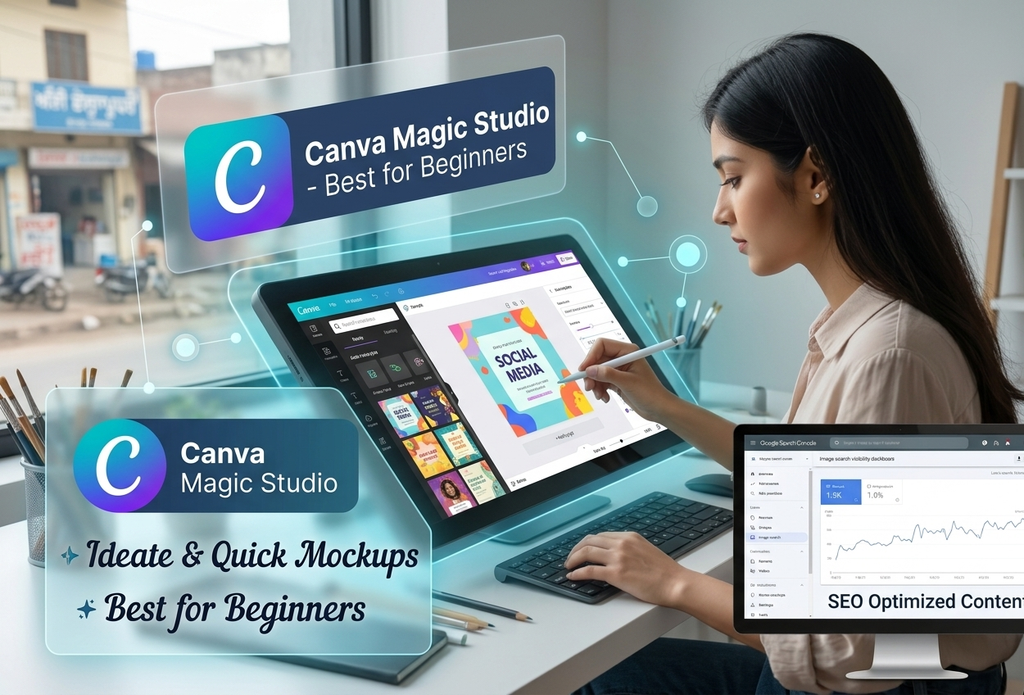
Canva Magic Studio makes design work easier. You can create social media posts, presentations, flyers, and other marketing materials in less time.
Its AI features help you create and edit content. You can also start with a template and change it to match your needs.
No advanced design skills are required.
Key features:
- AI tools for images and text.
- Ready-made design templates.
- Easy editing and resizing.
- Tools for social media content.
Pros:
- Simple interface.
- Saves time on everyday designs.
- Good for beginners and small teams.
Cons:
- Some features require a paid plan.
- Many templates may look similar.
- Advanced users may want more control.
Best for: Beginners, bloggers, marketers, and small business owners.
3. Adobe Firefly — Best for Professional Designers
Adobe Firefly helps designers create and edit images with AI. It can generate visuals from text prompts and make changes to existing artwork.
For example, you can add objects, remove unwanted areas, or expand an image. These features can save time during editing.
Firefly also works with parts of Adobe’s creative software range. This makes it useful for designers who already use Adobe tools.
Key features:
- Text-to-image generation.
- Generative Fill and image editing.
- Background and object changes.
- Integration with supported Adobe apps.
Pros:
- Useful for professional workflows.
- Offers helpful editing tools.
- Can speed up common design tasks.
Cons:
- Some features depend on your plan.
- AI results may need manual changes.
- New users may need time to learn the tools.
Best for: Professional designers who want AI support in their editing workflow.
4. Recraft.ai — Best for Logos and Vector Graphics
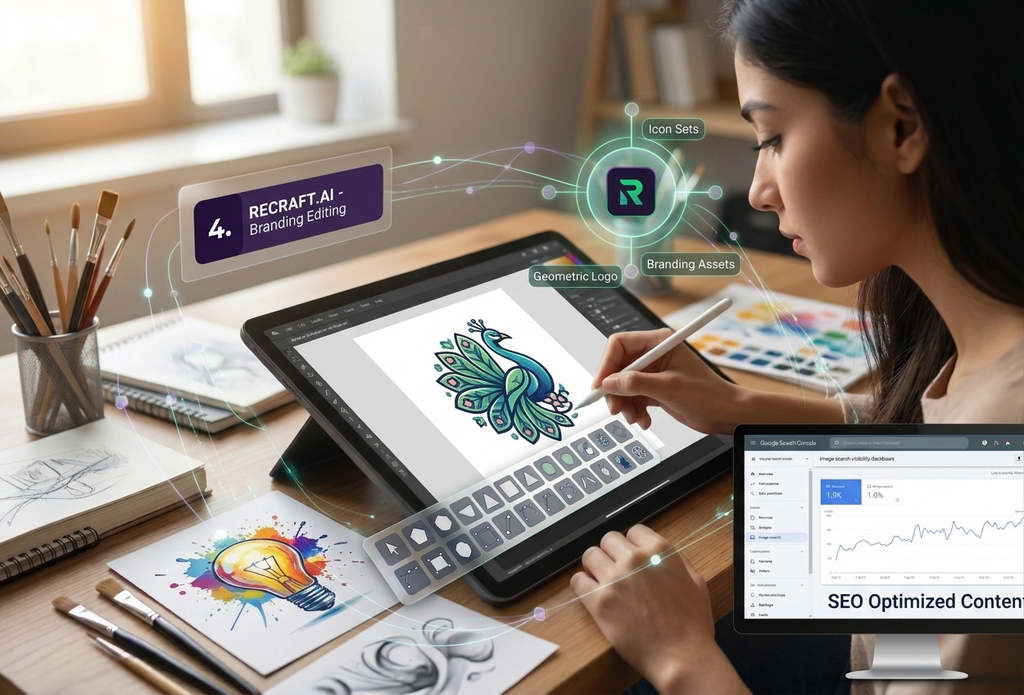
Recraft.ai is useful for creating graphics that need a clean, consistent style. It can help generate icons, illustrations, and vector-style artwork.
This makes it a good option for branding projects. You can explore different ideas before refining the design.
Still, AI-generated logos should be checked carefully. You may need to adjust shapes, colors, and details before using them.
Key features:
- AI-generated illustrations.
- Vector-style graphics.
- Icon and logo concept creation.
- Tools for exploring visual styles.
Pros:
- Useful for branding ideas.
- Helps create graphics quickly.
- Can support a consistent visual style.
Cons:
- Results may need manual editing.
- Fine details are not always correct.
- Final brand assets need careful review.
Best for: Brand designers, illustrators, and creators who work with icons.
5. Designs.ai — Best for Quick Marketing Content
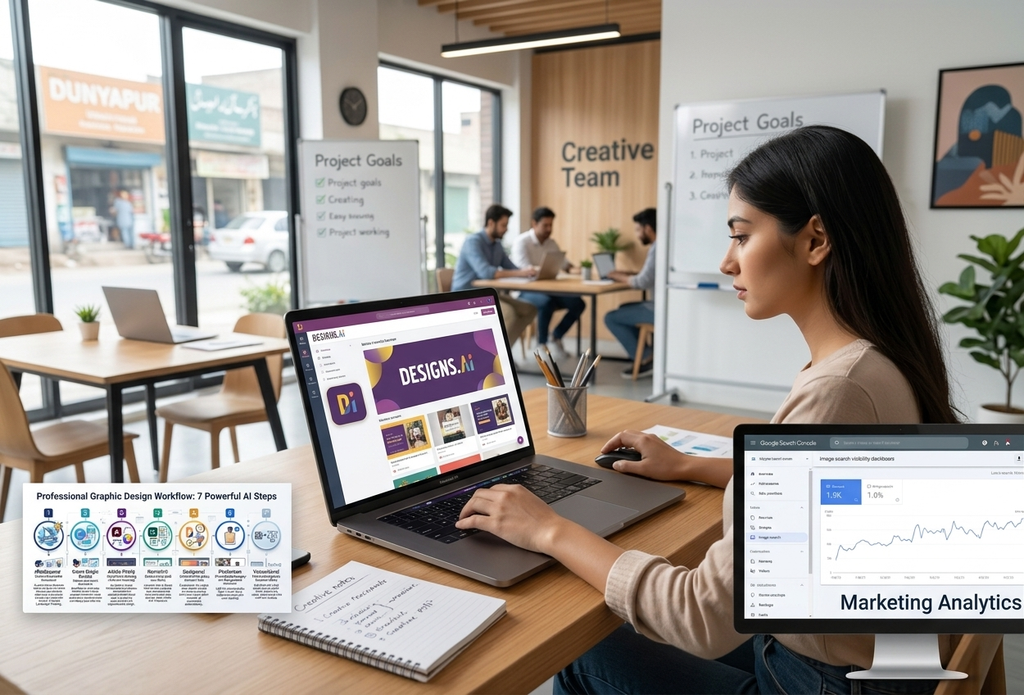
Designs.ai helps users create visual content for marketing. Depending on the available tools and plan, it can support tasks such as logo creation, video production, and graphic design.
It may be useful when you need content quickly. Small businesses can use it to explore ideas without starting every project from scratch.
However, the final result should still match your brand. Check the layout, colors, and text before publishing.
Key features:
- Tools for creating marketing content.
- Support for several types of visual projects.
- Templates and automated design features.
- Options for quick content production.
Pros:
- Can speed up simple projects.
- Useful for small businesses.
- Helps users explore ideas.
Cons:
- Results may need polishing.
- Advanced design control may be limited.
- Features vary by plan.
Best for: Small businesses and marketers who need content fast.
6. Photoroom — Best for Product Photos
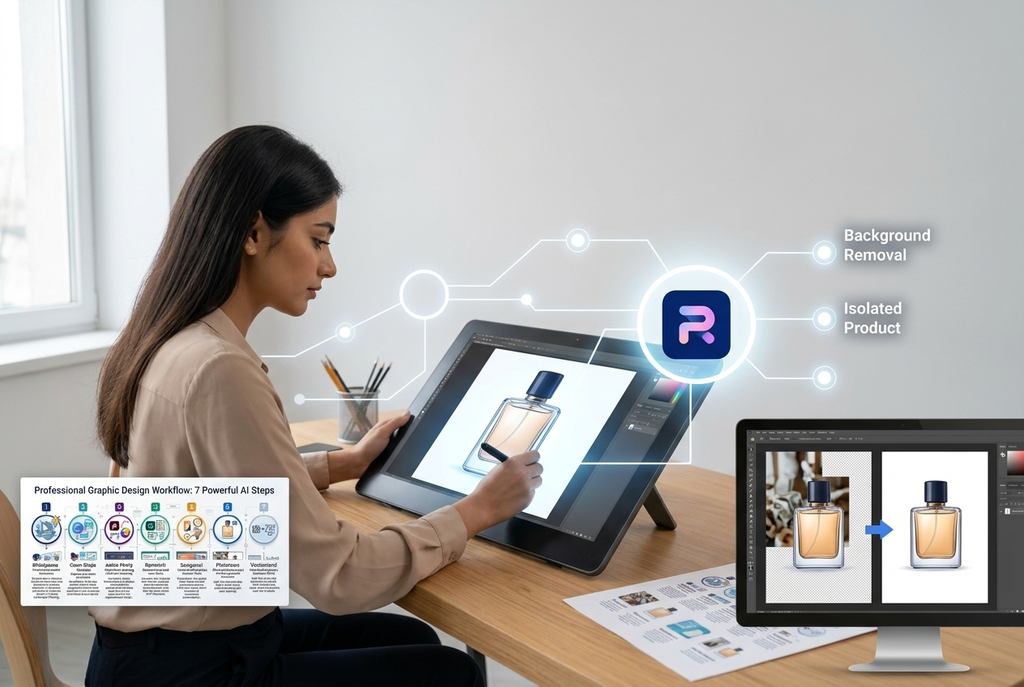
Photoroom helps you edit product images with less effort. One of its main uses is removing backgrounds from photos.
This is helpful for online stores. A clean image can make a product look more professional.
You can also create simple product scenes and prepare images for different platforms. Always check the edges and shadows before using the final image.
Key features:
- Automatic background removal.
- AI backgrounds for product photos.
- Product image editing.
- Tools for preparing images for online shops.
Pros:
- Easy to use.
- Saves time on photo editing.
- Useful for e-commerce businesses.
Cons:
- Some features require payment.
- Fine edges may need correction.
- Results depend on the original photo.
Best for: Online sellers, product photographers, and e-commerce teams.
7. Vectorizer.ai — Best for Converting Images to Vectors
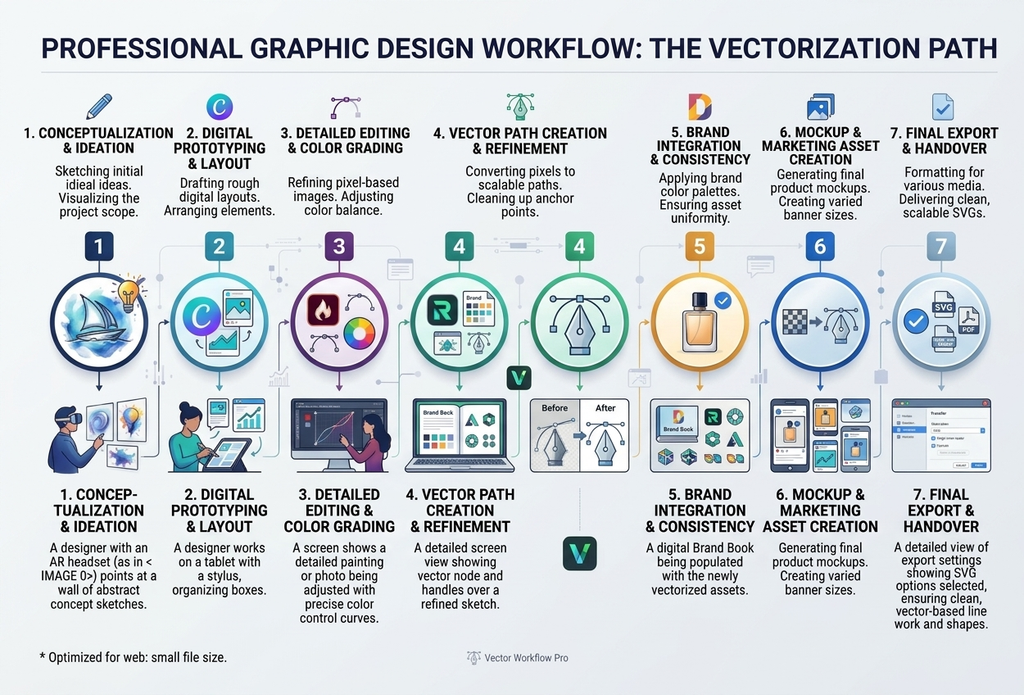
Vectorizer.ai converts raster images into vector graphics. Raster images, such as JPG and PNG files, are made of pixels. Vector graphics use paths and shapes.
Why does this matter? Vector images can often be resized without losing sharpness.
This is useful for logos, icons, and simple illustrations. The converted file may still need editing before it is ready for professional use.
Key features:
- Converts images into vector files.
- Helps preserve shapes and outlines.
- Supports scalable graphics.
- Reduces some manual tracing work.
Pros:
- Saves time when converting images.
- Useful for simple logos and icons.
- Helps prepare artwork for resizing.
Cons:
- Complex images may convert poorly.
- Results can need cleanup.
- It does not replace full vector editing software.
Best for: Designers who need scalable graphics from existing images.
How to Choose the Best AI Tools for Graphic Designers
The best AI tools for graphic designers offer different features, so choose one that fits your workflow and creative needs. The right tool depends on the type of work you do most often. Start by identifying your main design tasks, such as creating images, editing photos, or designing social media posts.
If you are new to AI tools, check out our guide to the 10 Best Free AI Tools for Students and Beginners in 2026 to explore more useful AI tools.
1. Think About Your Main Task
Need creative images? Try Midjourney.
Want social media posts? Canva Magic Studio may be a better fit. For product photos, consider Photoroom. If you work with vector graphics, explore Recraft.ai or Vectorizer.ai.
2. Check Your Budget
Some tools offer free access or limited free features. Others require a subscription for advanced options.
Compare the plans before paying. Prices and features can change, so check each tool’s official website.
3. Review Commercial Use Rights
Do not skip this step.
If you create designs for clients, check the tool’s terms. Make sure you understand its rules for commercial use, image ownership, and any limits on generated content.
4. Keep Your Own Creative Style
AI can help with ideas and routine tasks. But it cannot replace every part of a designer’s work.
Review each result. Fix mistakes, improve the layout, and match the design to your client’s needs. Your judgment is still important.
Frequently Asked Questions
What is the best AI tool for graphic designers in 2026?
There is no single best tool for everyone. Midjourney is useful for creative images, while Canva Magic Studio is great for quick designs. Adobe Firefly is another strong option for image editing.
Are AI design tools good for beginners?
Yes. Tools such as Canva Magic Studio have simple interfaces and ready-made templates. Beginners can start creating designs without advanced technical skills.
Can AI tools replace graphic designers?
No, not completely. AI can help with images, layouts, and repetitive tasks. Designers still need to make creative choices, check quality, and understand client needs.
Are AI-generated designs free to use commercially?
Not always. Rules differ between tools and plans. Read the current terms before using AI-generated work for clients or selling it.
Which AI tool is best for product photos?
Photoroom is a useful choice. It can remove backgrounds and help create clean product images for online stores.
Final Thoughts
The best AI tools for graphic designers can help you save time and create high-quality visuals for different projects. These tools make graphic design easier by helping with image creation, photo editing, branding ideas, and everyday marketing tasks.
Choose a tool that matches your needs and test its features before paying for a plan. You can then edit the AI-generated results to match your own creative style.
Use AI to save time, improve your workflow, and create better designs.